
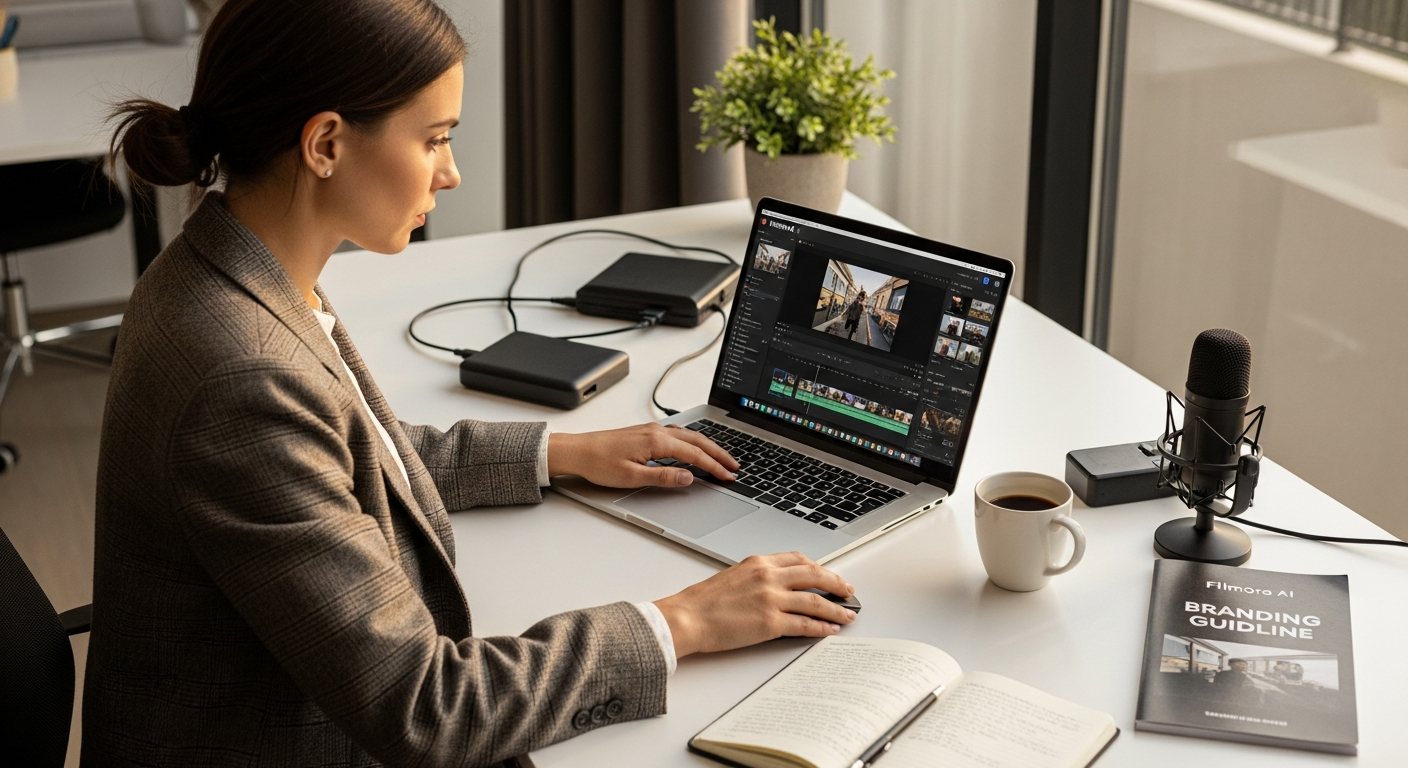
Discover how Wondershare Filmora’s AI-powered features streamline video creation for small business marketers. Explore pricing, tools, and ROI potential for marketing teams. Get started today.
Over 100 million creators and marketers worldwide have already abandoned complicated editing software, and the reasons are compelling. Small business teams are producing more video content than ever before, yet most lack both the technical expertise and budget for enterprise-level tools. This creates a genuine bottleneck: the demand for quality video content continues to surge, but traditional software demands specialized skills that most marketing departments simply don't have.
Wondershare Filmora has emerged as a game-changer, bridging the gap between professional-grade capabilities and genuine accessibility. It strips away the complexity without sacrificing the power you need to compete in an increasingly visual marketplace. Whether you're managing a lean marketing team or handling content production solo, this platform is engineered specifically for people like you.
Explore how Filmora can transform your team's video production workflow today.
Why Small Business Marketers Are Switching to AI-Powered Video Editing
Video content drives 80% higher engagement rates on social platforms—yet most small teams lack the editing expertise to capitalize on this opportunity. Your competitors understand this. Traditional editing software requires steep learning curves that divert resources away from actual marketing strategy, analytics, and campaign planning. You hire editors or struggle through complicated interfaces yourself, both scenarios draining your budget and momentum.
Filmora's AI automation reduces editing time by 40-60%, freeing your team to focus on what actually matters: strategy and results. The software's intuitive interface means zero onboarding friction, even for non-technical team members. Someone with zero editing experience can produce broadcast-quality content on their first day.
Built-in export templates for YouTube, TikTok, and Instagram eliminate manual platform optimization. Your videos automatically format for each platform's specifications, removing one more technical hurdle from your workflow. Filmora's 100+ million user base includes successful small business marketers who've already proven ROI on the platform, validating what the numbers suggest: this tool works for teams exactly like yours.
AI Features That Directly Impact Marketing Productivity
AI Smart Captions
Generate multi-language subtitles automatically, expanding your reach to international audiences without hiring translators. Your testimonial video becomes accessible to Portuguese, Spanish, and French-speaking prospects instantly.
AI Video Enhancement
Upscale lower-quality footage to 4K clarity, eliminating the need for expensive re-shoots. That smartphone footage from your product demonstration transforms into polished, professional-grade content.
AI Object Removal
Clean up unwanted branding, logos, or distractions in product demos and testimonial videos. Accidentally captured a competitor's logo in the background? Remove it with a few clicks instead of re-recording.
AI Video Extend & Generation
Stretch short clips to fill time slots or create B-roll automatically, solving the footage shortage problem. You have 15 seconds of great footage but need 30 seconds? Filmora extends it intelligently.
AI Sticker Generator
Create custom branded stickers and graphics without design software or freelance costs. Your team produces on-brand visual elements at the speed of thought, not the speed of hiring cycles.
Voice Cloning
Produce consistent voiceovers for multiple videos without hiring voice talent repeatedly. Record your CEO once, then generate unlimited voiceovers for explainer videos, tutorials, and announcements.
Portrait Cutout
Isolate subjects for dynamic backgrounds, perfect for testimonial and interview-style marketing content. Transform a boring office background into something visually compelling without reshoots.
Start leveraging these AI features to multiply your team's video production capacity.
Building Brand Consistency Across Your Content Library
Your marketing videos need to feel like they come from the same brand, even when different team members create them. Consistency builds recognition. Recognition builds trust. Trust drives conversions.
Access to 2.9 million royalty-free assets including music, transitions, effects, and templates gives you the raw materials to maintain that consistency at scale. Create branded templates that your entire team can use, ensuring visual coherence across all marketing videos. Your junior team member, your veteran marketer, and your agency partner all produce content that looks distinctly yours.
Pre-built templates already exist for common marketing formats: product demos, customer testimonials, explainer videos, and social ads. You're not starting from scratch. You're starting from a professionally designed foundation and customizing it with your brand colors, fonts, and messaging.
Organize asset collections by campaign, allowing team members to quickly find approved music and graphics. No more hunting through random files or accidentally using unlicensed music. The library is curated, organized, and ready to deploy.
Avoid costly licensing disputes entirely with the built-in royalty-free music library, curated specifically for commercial use. You can produce unlimited marketing videos without worrying about legal complications or hidden licensing fees.
Maintain brand guidelines through custom color grading and transition presets saved across projects. Every video maintains the same visual language, reinforcing your brand identity with every view.
Pricing Tiers: Which Plan Makes Sense for Your Marketing Budget
Basic Plan ($49.99/year)
Entry-level option for small teams testing video content. This plan includes standard editing tools but excludes AI credits, making it best suited for teams experimenting with the platform before committing to automation features.
Advanced Plan ($69.99/year)
Includes 1,000 AI credits monthly, 100GB cloud storage, and access to premium assets. This tier is ideal for active marketing departments producing content regularly. For most small business teams, this is the sweet spot.
Perpetual License ($79.99 one-time)
Best for teams wanting long-term cost certainty. The one-time purchase eliminates ongoing subscription fees, though this plan lacks mobile app access and major version upgrades.
Creative Assets Add-On ($19.99/month or $79.99/year)
Unlimited access to the 2.9 million asset library. Essential if your team produces multiple videos weekly and needs constant access to fresh music and graphics without worrying about monthly limits.
Cost-Per-Video Analysis
Advanced Plan users spending $70 annually while producing 50+ videos pay roughly $1.40 per video—significantly lower than freelance editing rates, which typically range from $50-$150 per video. The math is brutal for anyone still outsourcing this work.
Hidden ROI
Reduced turnaround time means faster campaign launches, directly impacting your time-to-market advantage. When your competitor takes two weeks to produce a video and you produce it in two days, you're already capturing market opportunity they missed.
Performance & Technical Capabilities for Professional Output
4K and 8K editing support future-proofs your content for emerging platforms and high-resolution requirements. Your videos won't look dated on newer displays or emerging social media platforms.
Multi-cam editing seamlessly cuts between multiple camera angles for interview and event footage. Recording your CEO speaking at a conference? Switch between the main stage camera, close-up, and audience reaction shots with ease.
GPU acceleration and Metal rendering deliver blazing-fast render speeds, meaning less waiting and more producing. You're not watching progress bars; you're moving to the next task.
Keyframing and planar tracking provide advanced motion control for product animations and dynamic visual effects. Your product demo can include professional motion graphics without hiring a motion designer.
Optimized export presets enable one-click publishing to YouTube, TikTok, Instagram, and LinkedIn with platform-specific compression automatically applied. Spend zero time manually adjusting settings for each platform.
Cloud collaboration features allow team members to access projects from anywhere, essential for remote marketing departments. Your freelancer in another city accesses the same project files as your in-house team.
Batch processing capability exports multiple videos simultaneously, multiplying your output without additional effort. Set 10 videos to export overnight and wake up with finished deliverables.
Real-World Marketing Scenarios Where Filmora Excels
Product Launch Videos
Use AI Video Enhancement to polish smartphone footage into professional-quality demos. You don't need a film crew. You need Filmora and a smartphone.
Customer Testimonials at Scale
AI Portrait Cutout and Voice Cloning create polished, consistent testimonial compilations without reshoots. Record your customers once, then produce variations with different voiceovers and backgrounds.
Social Media Content Calendars
Templates and quick export presets allow one person to produce 20+ platform-optimized videos weekly. Your content calendar doesn't suffer from production bottlenecks anymore.
Multilingual Campaigns
AI Smart Captions automatically generate subtitles in 10+ languages, reducing localization costs by 70%. Expand into new markets without translating budgets.
Repurposing Existing Footage
AI Video Extend stretches short clips into longer-form content for YouTube while maintaining quality. That 30-second demo becomes a 3-minute educational video.
Budget-Conscious Explainer Videos
Combine AI Sticker Generator with templates to create polished explainers without hiring animators. Professional visuals cost zero dollars when you own the software.
Event Coverage
Multi-cam editing allows rapid turnaround on conference or product launch highlight reels. Your event coverage goes live while attendees are still traveling home.
Limitations to Consider Before Committing
The Basic subscription excludes AI credits, requiring separate purchases for generative features. Budget accordingly if you choose this tier. Some AI functionalities lack the refinement of enterprise tools like Adobe Premiere Pro for highly specialized tasks, though this rarely matters for marketing content.
The Perpetual license doesn't include mobile app access, limiting editing flexibility for teams who need to work on tablets or phones. Advanced fine-control options are limited compared to professional-grade software, though sufficient for 95% of marketing use cases.
AI credit consumption varies by task; heavy users may need to budget for additional credits beyond the monthly allocation. Track your usage during your pilot project to understand your true costs. The steep learning curve is eliminated, but power-user customization options won't satisfy teams with highly specialized workflows requiring advanced color grading or custom effects.
Comparing Filmora to Alternatives for Marketing Teams
vs. Adobe Premiere Pro: Filmora costs 80% less annually while offering faster rendering. Premiere excels only if you need advanced color grading or specialized effects work that marketing rarely requires.
vs. CapCut: Filmora's desktop version offers superior multi-cam editing and asset library. CapCut wins for mobile-first creators only.
vs. DaVinci Resolve: The free version is powerful, but Filmora's AI suite and template library save marketing teams 15+ hours monthly, making the paid tier worth the investment.
vs. iMovie: Filmora bridges the gap between simplicity and capability. iMovie lacks professional export optimization and AI features entirely.
Filmora's competitive advantage is clear: it's purpose-built for content creators, not professional colorists. Your marketing team gets exactly what you need, nothing more.
Getting Started: Implementation Strategy for Your Team
Start with the Advanced Plan ($69.99/year) to access AI credits and test capabilities across your content pipeline. Assign one team member as the Filmora champion to build templates and establish editing standards across your department.
Create a shared asset folder with approved music, graphics, and color grades to maintain brand consistency. Run a pilot project by assigning 3-5 marketing videos to Filmora before full rollout, measuring time savings meticulously.
Track metrics rigorously: measure editing time per video before and after implementation to quantify ROI. Budget for the Creative Assets add-on ($79.99/year) if your team produces more than 8 videos monthly. Schedule quarterly training sessions to keep the team updated on new AI features and templates.
The Bottom Line for Marketing Teams
Wondershare Filmora isn't positioned as a replacement for Hollywood-grade editing suites—and that's exactly why it works so well for small business marketers. You're getting powerful AI automation, a massive asset library, and blazing-fast rendering speeds at a price point that actually makes sense for marketing budgets. The platform eliminates the friction between needing more video content and lacking the expertise to produce it.
Your team spends less time wrestling with software and more time strategizing campaigns that actually matter. The Advanced Plan at $69.99 annually pays for itself after just three or four outsourced editing projects. Start with a pilot project, track your time savings, and let the data guide your decision. If your marketing team is drowning in content production demands while working with limited resources, this platform deserves a serious look.
Get started with Wondershare Filmora and reclaim your team's productivity today.