
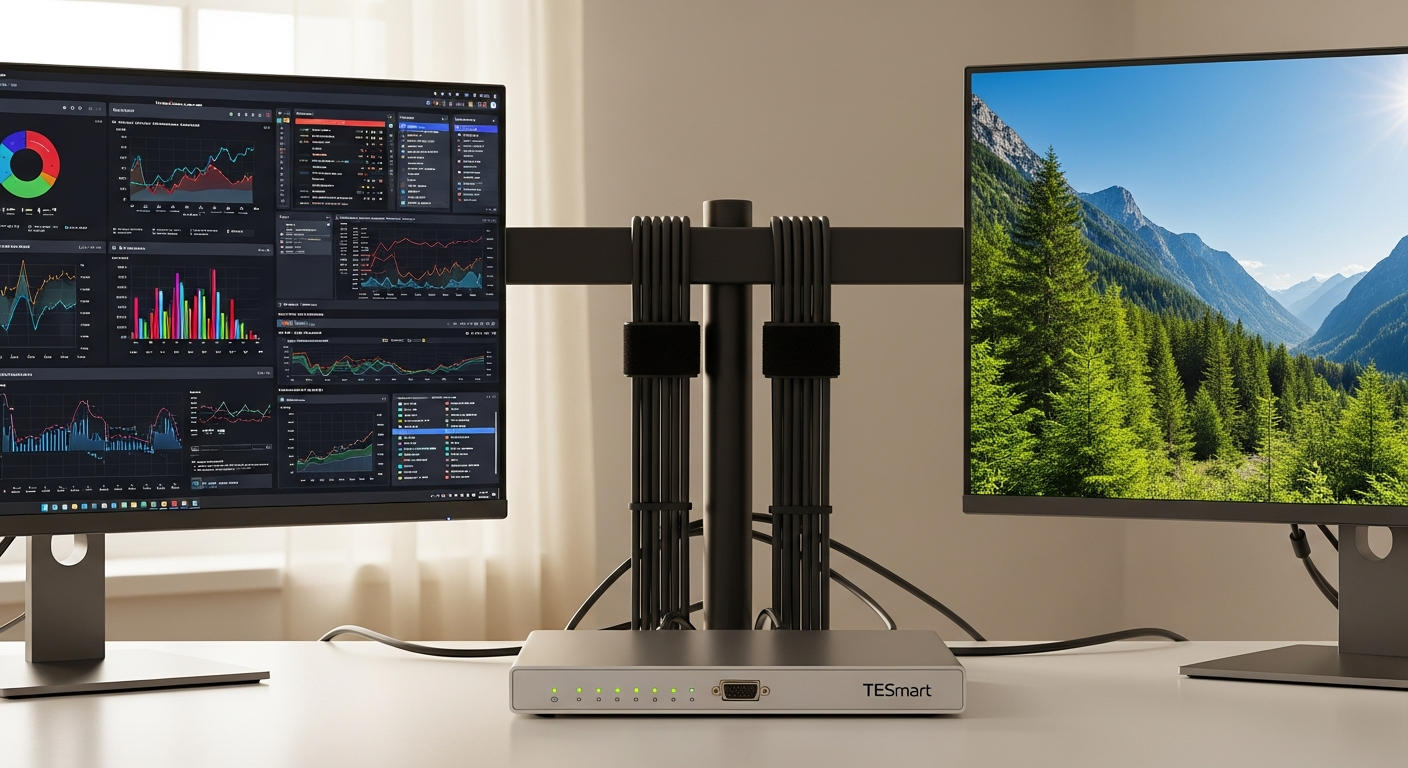
Discover how the TESmart Dual Monitor 8K KVM Switch transforms creative workstations with dual 8K@60Hz support, seamless switching, and professional-grade features for designers and video editors.
I've watched countless creative professionals struggle with tangled cables, constant monitor adjustments, and the mental drain of managing separate keyboard-and-mouse setups for multiple machines. The reality is stark: productivity plummets when your workspace becomes a cable jungle. That's where the TESmart Dual Monitor 8K KVM Switch enters the picture—a game-changer designed specifically for those who demand pristine visuals and flawless switching between workstations.
The creative industry has unique demands that standard KVM switches simply don't meet. Video editors, motion graphics designers, and color graders need displays that reproduce colors accurately and handle high refresh rates without compromise. The TESmart DKS202-M24-USBK and similar models deliver dual 8K@60Hz support via DisplayPort 1.4, ensuring your creative assets look exactly as intended—whether you're reviewing client work or fine-tuning final exports.
The 8K Advantage: Why Resolution Matters for Creative Work
Ultra-High-Resolution Asset Viewing
Dual 8K@60Hz DisplayPort 1.4 support enables flawless viewing of ultra-high-resolution assets without quality degradation. When you're working with 8K footage or ultra-detailed design files, every pixel counts. The TESmart switch maintains that visual fidelity across both monitors simultaneously, allowing you to reference source material on one display while working on another without any compromise in clarity or color representation.
Color Accuracy for Critical Work
Superior color accuracy across both monitors ensures consistent visual representation for color-critical work. This becomes essential when you're color-grading footage, matching palettes across projects, or preparing assets for client presentation. The consistency between displays means what you see is what your client will see, eliminating the guesswork and frustration of color mismatches between workstations.
Pixel-Perfect Clarity
Pixel-perfect clarity eliminates the need to zoom in and out when reviewing detailed design elements or video footage. You can examine fine details without constantly adjusting magnification levels, streamlining your review process and reducing eye strain during extended work sessions.
Future-Proof Technology
This represents a future-proof investment that accommodates next-generation creative software and display technologies. As creative tools evolve and demand higher bandwidth and resolution support, your workspace infrastructure keeps pace without requiring another upgrade cycle.
Streamlined Switching: Keeping Your Workflow Uninterrupted
Multiple Control Methods
Multiple switching methods—front panel buttons, hotkeys, mouse gestures, IR remote—allow you to choose what feels most natural for your working style. Some professionals prefer the tactile feedback of physical buttons, while others appreciate the speed of keyboard shortcuts or the intuitive nature of mouse gestures.
Keyboard Hotkey Integration
Keyboard hotkey combinations keep your hands on the desk without reaching for additional controls. This seamless switching method integrates directly into your existing workflow, allowing rapid transitions between workstations without breaking your creative momentum.
Mouse Gesture Switching
Mouse gesture switching enables seamless transitions without interrupting your creative rhythm. Simply execute your preferred gesture pattern, and your workspace shifts to the next computer—no reaching, no clicking separate devices, just smooth workflow continuation.
EDID Emulation: The Feature That Prevents Workspace Chaos
Display resolution stability remains consistent when switching between computers. EDID emulation ensures that each time you switch workstations, your monitors maintain their established resolution and refresh rate settings, eliminating the frustration of manual reconfiguration.
Icon and window layout preservation prevents the aggravating rearrangement of your carefully organized desktop. Your timeline panels, reference windows, and tool palettes maintain their exact positions across switches, preserving the ergonomic workspace you've fine-tuned for maximum efficiency.
Application window positioning stays intact, so your critical creative tools don't shift between transitions. This stability becomes invaluable during complex sessions where multiple applications work in concert—your color grading panel doesn't relocate, your reference images remain positioned exactly where you need them, and your editing interface stays precisely calibrated.
Join the TESmart affiliate network and start earning while promoting this essential creative tool.
Making the Investment: Is the TESmart 8K KVM Switch Right for Your Creative Practice?
The TESmart Dual Monitor 8K KVM Switch represents more than just a convenience—it's a strategic investment in your creative efficiency and workspace organization. With dual 8K@60Hz support via DisplayPort 1.4, you're not compromising on the visual quality your professional work demands. The EDID emulation feature alone eliminates hours of frustration managing display settings, while the integrated USB hub consolidates your peripheral ecosystem into a single, manageable system.
What truly sets this KVM switch apart for creative professionals is its reliability during critical workflows. Whether you're color-grading footage, reviewing client deliverables, or managing simultaneous projects across machines, the seamless switching methods keep you in your creative zone without unnecessary interruptions. The solid metal construction ensures this device becomes a permanent, stable fixture in your professional setup.
The investment typically ranges from moderate to premium depending on your specific model choice, but creative professionals consistently report that the productivity gains and workspace improvements justify the cost. If you're managing multiple computers, demand pristine visual quality, and value workflow continuity, the TESmart Dual Monitor 8K KVM Switch deserves serious consideration.