
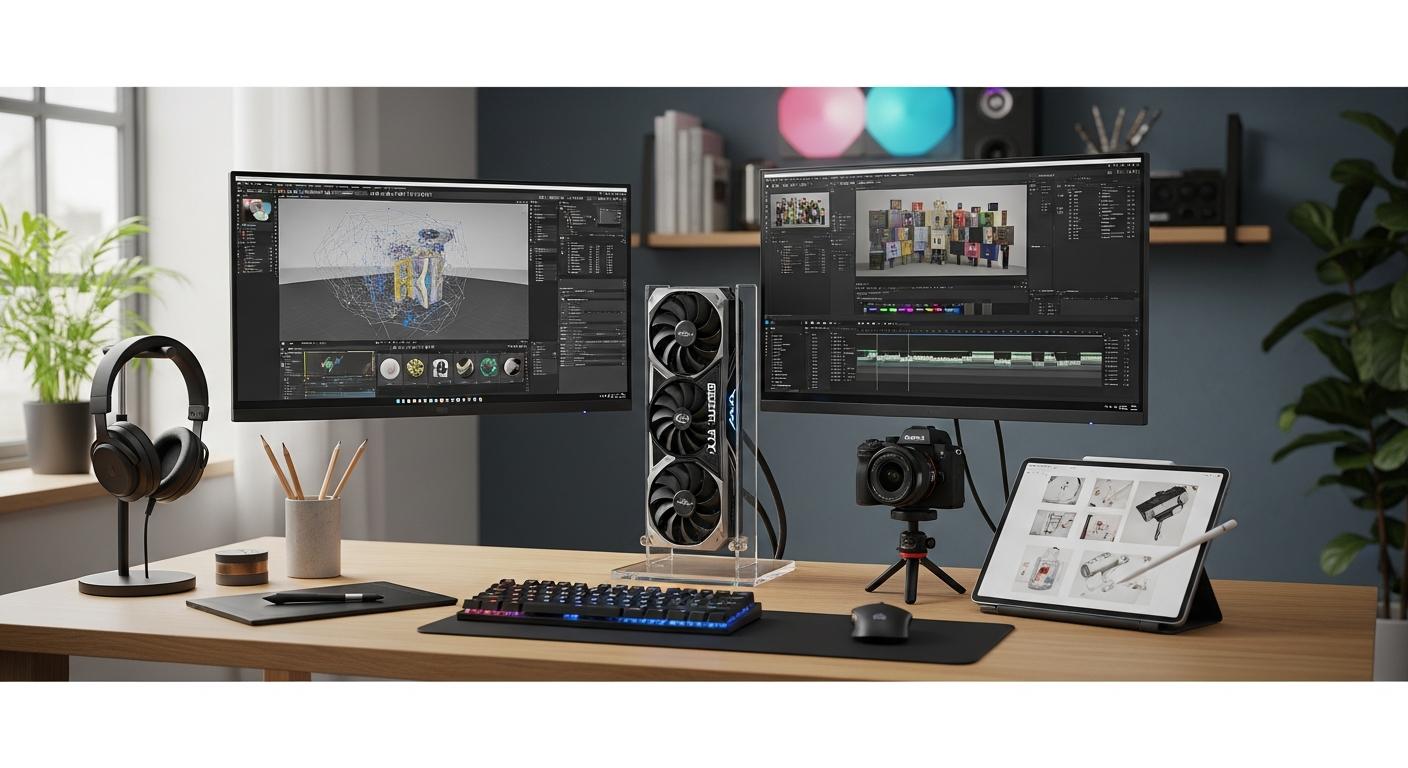
Discover how high-performance NVIDIA GeForce RTX graphics cards accelerate professional workflows in video editing, 3D rendering, and design. Compare specs, performance, and ROI for creators.
Every year, creative professionals waste thousands of euros on render farms and slow workstations that could be solved with a single hardware upgrade. The gap between a bottlenecked system and a properly optimized one often hinges on a single component: the graphics card. While gaming tends to dominate conversations around NVIDIA GeForce RTX cards, professional creators have become the silent engine driving demand for these high-performance GPUs.
The stakes for creators are fundamentally different from gamers. A gamer waits an extra second for a frame to render; a professional loses billable hours watching progress bars crawl across their screen. That lost time compounds across projects, affecting not just workflow efficiency but the bottom line of any creative business.
Explore premium graphics card options that transform your creative workflow today.
This guide examines whether investing €1,000–€1,500 in a high-performance NVIDIA GeForce RTX graphics card makes genuine business sense for your creative practice. You’ll discover which workflows benefit most from GPU acceleration, how to evaluate performance metrics that actually matter for creators, and whether the upfront investment delivers real ROI for your work.
Beyond Gaming—How Professional Creators Use RTX Graphics Cards
Professional applications that leverage GPU acceleration
Adobe Premiere Pro, DaVinci Resolve, Blender, Cinema 4D, and Autodesk Maya have all integrated CUDA support, allowing creators to offload computationally intensive tasks to the GPU. Video editors working with Premiere Pro experience dramatically faster timeline scrubbing, real-time color grading, and export times with RTX acceleration enabled. DaVinci Resolve users benefit from accelerated effects processing and Fusion node evaluation. 3D artists in Blender and Cinema 4D gain access to GPU rendering engines (CUDA, OptiX) that can complete frames in minutes rather than hours.
Real-world rendering time comparisons: CPU-only versus GPU-accelerated workflows
The performance gap is measurable and significant. A complex 3D scene rendered on CPU cores alone might require 45 minutes per frame; the same scene using GPU acceleration completes in 8–12 minutes. For a 300-frame animation, this translates to a 20-hour CPU job versus a 3.5-hour GPU job. Video encoding at 4K resolution shows comparable gains—a 30-minute video that takes 90 minutes to export on CPU handles in 15–20 minutes with hardware-accelerated encoding.
AI-powered creative tools that depend on Tensor Core technology
Modern creative workflows increasingly depend on AI-assisted features. Topaz Gigapixel AI for upscaling, Adobe’s Super Resolution, and DaVinci Resolve’s neural color grading all rely on Tensor Cores for acceleration. These tools transform entire categories of creative work—photographers can upscale images without quality loss, video editors can automatically repair noise in footage, and colorists can apply intelligent grading adjustments in real time.
Video editing performance gains at 4K and 8K resolutions with hardware encoding
The NVENC encoder built into RTX cards handles H.264 and H.265 encoding at full speed without consuming CPU resources. A 4K timeline in Premiere Pro becomes responsive and fluid rather than laggy when NVENC is active. 8K workflows—once the domain of high-end facilities with specialized hardware—become feasible on workstations equipped with RTX cards.
RTX Architecture Deep Dive—What Makes These Cards Tick
Ada Lovelace architecture and its advantages for creative workloads
The Ada Lovelace architecture powering the RTX 4080 SUPER represents a generational leap in GPU design. Increased memory bandwidth, improved ray tracing performance, and enhanced Tensor Core throughput create measurable advantages for creators. The architecture maintains backward compatibility while delivering 2–3x performance improvements in rendering and encoding compared to earlier generations.
GDDR6X memory bandwidth and why 16GB matters for large projects
GDDR6X memory operates at significantly higher speeds than standard GDDR6, providing the bandwidth necessary for rapid texture and data access during rendering. The 16GB configuration found on cards like the RTX 4080 SUPER allows creators to work with larger textures, higher-resolution footage, and more complex scenes without running into memory constraints. Projects that previously required subdivision or tiling can now be handled as single, unified tasks.
RT Cores versus Tensor Cores: understanding the dual-purpose design
RT Cores accelerate ray tracing calculations, enabling real-time photorealistic rendering in applications like Blender’s OptiX or V-Ray. Tensor Cores handle matrix operations essential for AI inference and deep learning tasks. This dual specialization means the card excels across both traditional 3D rendering and emerging AI-assisted workflows. Neither core type sits idle—they’re both actively utilized in professional creative software.
CUDA core count and its impact on rendering speed and simulation complexity
The RTX 4080 SUPER contains thousands of CUDA cores designed for parallel processing. Higher core counts directly translate to faster rendering of complex scenes, fluid simulations, and particle effects. A project involving dense particle systems or volumetric effects becomes practically feasible with sufficient CUDA throughput; the same project may be impossible on lower-tier GPUs.
Discover high-performance graphics cards optimized for your professional creative needs.
The Creator’s ROI Calculator—Justifying the Investment
Time savings in rendering workflows (quantified in hours per project)
Concrete numbers reveal the economics. A motion graphics freelancer producing 10 projects monthly with average rendering times of 40 hours per project on CPU-only hardware spends 400 hours monthly on rendering. Moving to GPU acceleration cuts this to 60–80 hours. That’s 320–340 hours monthly reclaimed for client work, additional projects, or business development.
Productivity multiplier effect: faster iterations enable more ambitious creative work
When rendering becomes fast, creative iteration accelerates. Color grading that previously required real-time playback on a separate monitor can now happen interactively. 3D artists can test lighting variations, material changes, and composition adjustments without waiting—creative decisions happen faster, leading to higher-quality final output and more ambitious creative direction.
Freelancer earning potential: how faster turnaround times translate to higher billable hours
A freelance video editor completing projects 40% faster can either complete more projects or accept tighter deadlines, both paths to higher income. A 3D animator completing renders 5x faster can add another project weekly to their workload. Over a year, the compounding effect becomes substantial—the graphics card investment pays for itself through additional billable work within 4–8 months for many full-time creators.
Studio efficiency gains: team throughput improvements with GPU-accelerated pipelines
For studios with multiple artists, GPU acceleration multiplies benefits across the team. Render farms become more efficient, project turnaround times shrink, and the studio can accept more ambitious client work. A 10-person studio reducing project timelines by 35% gains the equivalent productivity of 3–4 additional employees without the corresponding salary cost.
Your Creative Potential Deserves Better Hardware
The high-performance NVIDIA GeForce RTX graphics card isn’t a luxury purchase for professional creators—it’s foundational infrastructure that directly shapes your earning capacity and creative reach. Faster rendering means more completed projects, higher-quality work attracts premium clients, and the durability of these cards keeps your investment relevant for years of intensive use.
If you’re processing 4K video regularly, simulating complex 3D scenes, or using AI-assisted creative tools, the €1,000–€1,500 investment in an RTX 4080 SUPER or comparable card pays for itself through recovered time and productivity gains within months. The decision to upgrade becomes straightforward once you quantify your current rendering times and calculate the value of reclaimed hours.
Start by identifying which professional applications dominate your workflow, then match your GPU selection to those specific demands. Alternate.de’s extensive hardware catalog provides both the graphics card and complementary components your workstation requires, making sourcing a complete system straightforward.
Upgrade to a high-performance graphics card and unlock your creative potential now.