
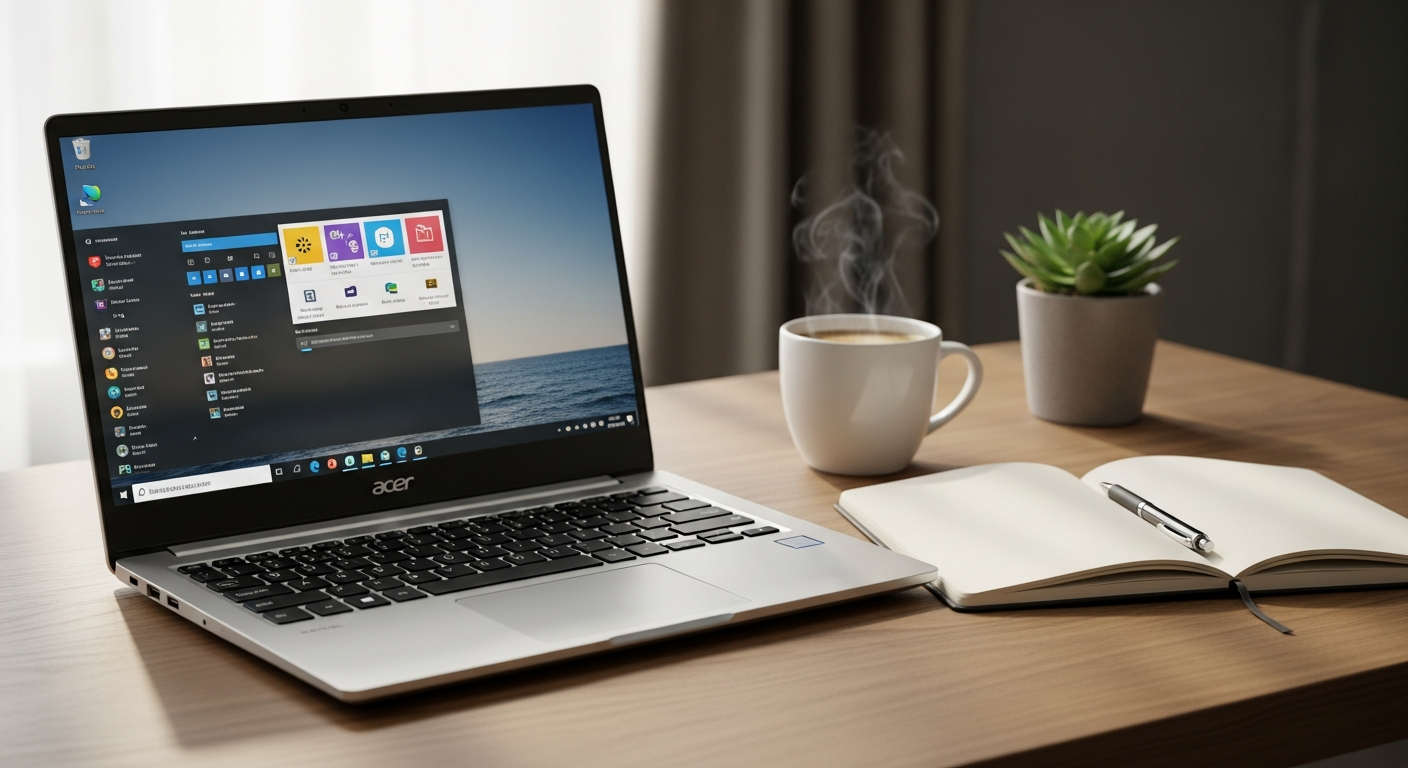
Discover how the Acer Aspire ES 15 budget laptop delivers reliable performance for remote work and online classes. Compare specs, connectivity, and productivity features for budget-conscious professionals.
Over 40% of remote workers and distance learners operate on budgets under $500, yet they still need a laptop that won't quit mid-Zoom call or freeze during file uploads. The reality of budget computing is that you don't need cutting-edge specs—you need reliability, comfort, and genuine value. Too many affordable laptops sacrifice one of these elements, leaving users frustrated within months.
The Acer Aspire ES 15 has carved out a reputation as the practical workhorse for professionals and students who refuse to compromise on essentials. This laptop doesn't pretend to be a gaming powerhouse or creative workstation. Instead, it focuses on what matters most: stable connectivity, a comfortable workspace for typing, and enough processing power to handle everyday productivity without breaking the bank. At under $400, it represents genuine value in the crowded budget laptop market.
Throughout this guide, you'll understand how the Acer Aspire ES 15 stacks up for real-world work scenarios—from video conferencing to document collaboration. We'll examine the connectivity features that make remote work seamless, evaluate the display and keyboard for all-day comfort, and uncover which configurations work best for specific professional needs.
Explore the Acer Aspire ES 15 on the official Acer store today.
Connectivity That Actually Works for Remote Professionals
For remote workers, connectivity isn't just a feature—it's the foundation of everything you do. The Acer Aspire ES 15 addresses this with a connectivity suite that feels generous for its price point.
Built-in Wi-Fi and Bluetooth provide seamless connection to your home network and wireless peripherals. You can connect to your wireless mouse, headphones, and speakers without fumbling with USB adapters or dealing with compatibility headaches. The Bluetooth implementation is straightforward and reliable, which matters when you're already managing multiple work commitments.
The inclusion of an Ethernet port eliminates dependency on Wi-Fi when stability matters most. During critical video calls or when uploading large files to cloud storage, you can plug directly into your modem for a wired connection that won't drop. This distinction separates the Aspire ES 15 from competing budget laptops that cut corners on ports.
USB 3.0 ports enable fast file transfers to external drives and cloud backup devices. Whether you're backing up client files or syncing project folders, the faster transfer speeds mean less time waiting and more time working. Combined with the standard USB 2.0 ports, you have flexibility for connecting multiple peripherals simultaneously.
HDMI output supports dual-monitor setups for enhanced productivity workflows. If you're serious about creating an efficient home office, connecting an external monitor transforms your workspace. The HDMI port makes this setup straightforward, giving you the screen real estate that makes multitasking genuinely comfortable.
Display and Keyboard Ergonomics for Extended Work Sessions
Comfort during long workdays directly impacts your productivity and physical well-being. The Acer Aspire ES 15 delivers on both fronts in ways that justify its price.
The 15.6-inch screen provides generous workspace for spreadsheets, documents, and video calls. This screen size offers enough room to see detail without requiring you to position your face uncomfortably close. For professionals juggling multiple windows or students reviewing course materials, the larger display makes a tangible difference compared to cramped 13-inch alternatives.
The HD resolution (1366×768) delivers crisp text and clear video conferencing quality. While this isn't 4K territory, it's perfectly adequate for the work this laptop is designed to handle. During video calls, your camera feeds appear sharp, and participants see you clearly. Documents render with readable text that won't strain your eyes across an eight-hour workday.
The comfortable keyboard with responsive key travel reduces fatigue during long typing sessions. This is where many budget laptops disappoint—they equip their machines with shallow, mushy keys that make extended typing miserable. The Aspire ES 15 avoids this trap. The keyboard offers satisfying tactile feedback and proper travel, making it suitable for professionals who spend hours drafting emails, reports, and documents. The responsive touchpad complements this experience, providing accurate cursor control without the frustration of lagging inputs.
Check current availability and configuration options on Acer's official website.
Performance Specifications for Productivity Tasks
The processor and memory configuration determine whether your laptop flows smoothly or stumbles through your workday. The Acer Aspire ES 15 balances these considerations intelligently for budget-conscious users.
Intel Celeron N3050 or Core i3 processors handle email, web browsing, and document editing without lag. These aren't powerhouse chips, but they're engineered specifically for the everyday computing demands you'll encounter. Streaming music while checking email, editing a spreadsheet while browsing research websites—these multitasking scenarios run smoothly without slowdowns.
The 4GB RAM standard configuration supports basic multitasking and streaming. This amount allows you to keep multiple browser tabs open, run document editing software, and handle video conferencing simultaneously without experiencing the dreaded freezing that plagues underpowered systems. For professionals working with Google Workspace or Microsoft 365, 4GB proves sufficient for typical workflows.
The 500GB or 1TB HDD storage accommodates typical document libraries and media collections. Most remote workers don't need massive local storage if they're using cloud services for file management. However, the option to upgrade to 1TB provides flexibility for those who prefer keeping important files locally or managing large photo archives.
Battery Life and Portability Considerations
Battery endurance shapes how and where you can work. The Acer Aspire ES 15 makes sensible trade-offs in this area that align with its intended use case.
The 5-6 hour battery life covers most full workdays with moderate usage patterns. If you're primarily working from a home office desk, this duration means you can start your morning without immediately hunting for a charger. During video calls, document editing, and web browsing, you'll comfortably reach mid-afternoon before needing to plug in. This isn't all-day portability, but it's sufficient for professionals who maintain a relatively stationary workspace.
The 5.3-pound weight suits stationary home offices better than frequent commuting scenarios. This is slightly heavier than ultraportable laptops, but it's not unwieldy for moving between rooms or transporting to a coffee shop occasionally. Frequent travelers might feel the weight, but for home-based workers and students living in dorms, the difference hardly registers.
The midnight black design maintains professional appearance in video calls and client meetings. During video conferences, the laptop's aesthetics matter less than your own presentation, but the neutral coloring doesn't distract or appear unprofessional when the laptop appears behind you on screen.
Real-World Performance for Remote Work Scenarios
Theory matters, but practical performance during actual work determines whether a laptop earns its place on your desk. The Aspire ES 15 excels at the specific tasks remote workers perform daily.
The laptop handles simultaneous video conferencing, document editing, and browser tabs without freezing. You can run Zoom while keeping a Google Doc open, checking email, and browsing reference materials—a typical workday scenario for many professionals. The processor and RAM combination prevents the system slowdown that makes expensive laptops feel cheap.
Adequate processing power supports Google Workspace, Microsoft 365, and cloud-based productivity tools. These services are designed to run efficiently across various hardware, and the Aspire ES 15 takes full advantage. Cloud-based applications don't demand local processing power the way traditional software does, and this laptop handles them capably.
The laptop remains unsuitable for professionals working with demanding software like video editing or 3D rendering. If your work involves processing large video files, rendering 3D models, or running specialized creative applications, the Aspire ES 15 will disappoint. However, for the 40% of remote workers operating on tight budgets, these aren't typical requirements. Your actual work—managing projects, collaborating on documents, attending video calls, analyzing data—runs smoothly.
Budget Optimization: Is the Acer Aspire ES 15 Worth the Investment?
Price-to-value calculation ultimately determines whether a purchase makes sense. The Aspire ES 15 passes this test decisively.
The sub-$400 price point delivers a complete Windows laptop experience without premium markup. You're not paying for brand prestige or cutting-edge design. You're acquiring a functional, reliable machine that handles real work competently. This price point represents exceptional value when compared to mainstream laptop options.
The connectivity suite typically appears in laptops costing $200-300 more. Many budget competitors omit features like the Ethernet port or HDMI output to reduce costs. The Aspire ES 15 includes these essentials, treating them as non-negotiable for productive work rather than luxury additions.
The comfortable keyboard and responsive touchpad justify the price against cheaper alternatives. A $250 laptop might seem attractive until you spend a week typing on its uncomfortable keyboard. The Aspire ES 15 avoids this false economy, providing input devices that support rather than frustrate your work.
The Practical Path Forward: Making Your Remote Work Setup Count
The Acer Aspire ES 15 occupies a unique position in the budget laptop landscape—it doesn't try to be everything, and that's precisely why it works so well for remote professionals and distance learners. You get genuine connectivity, a comfortable workspace, and reliable performance where it counts. For under $400, you're acquiring a complete Windows experience with exceptional port selection, a keyboard that won't make your hands ache during eight-hour workdays, and enough processing power to keep your productivity flowing.
If you're building a home office on a realistic budget, or if you're a student juggling classes and part-time work, the Acer Aspire ES 15 deserves serious consideration. The real question isn't whether this laptop is perfect—it's whether it solves your actual problems at a price that makes financial sense. For most budget-conscious remote workers and learners, the answer is absolutely yes.
Visit Acer's store now to configure your Aspire ES 15 and start your productive remote work setup.